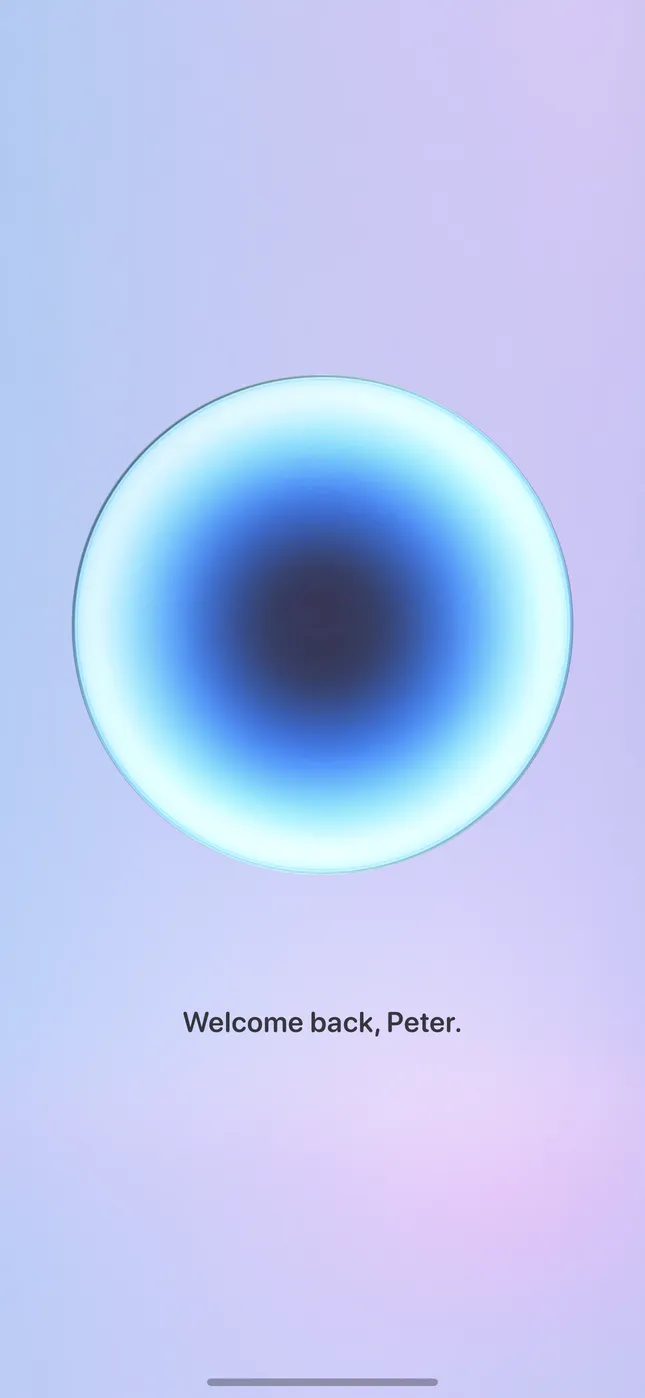
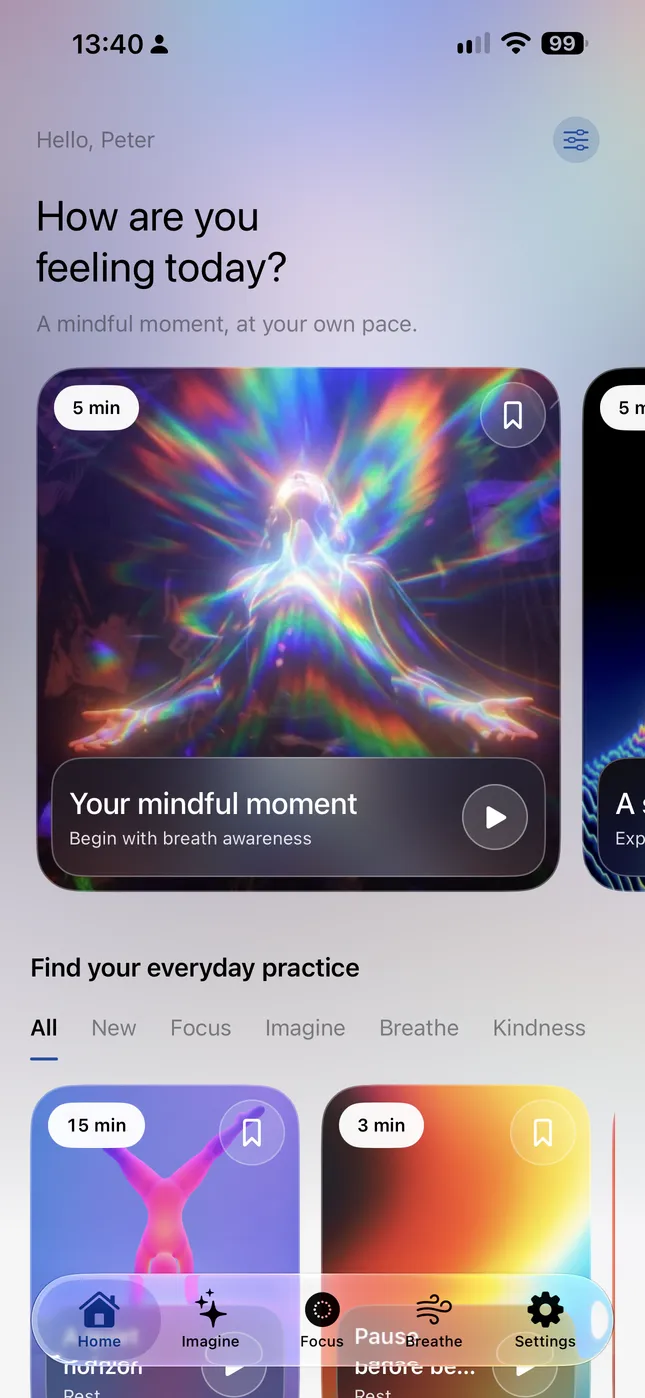
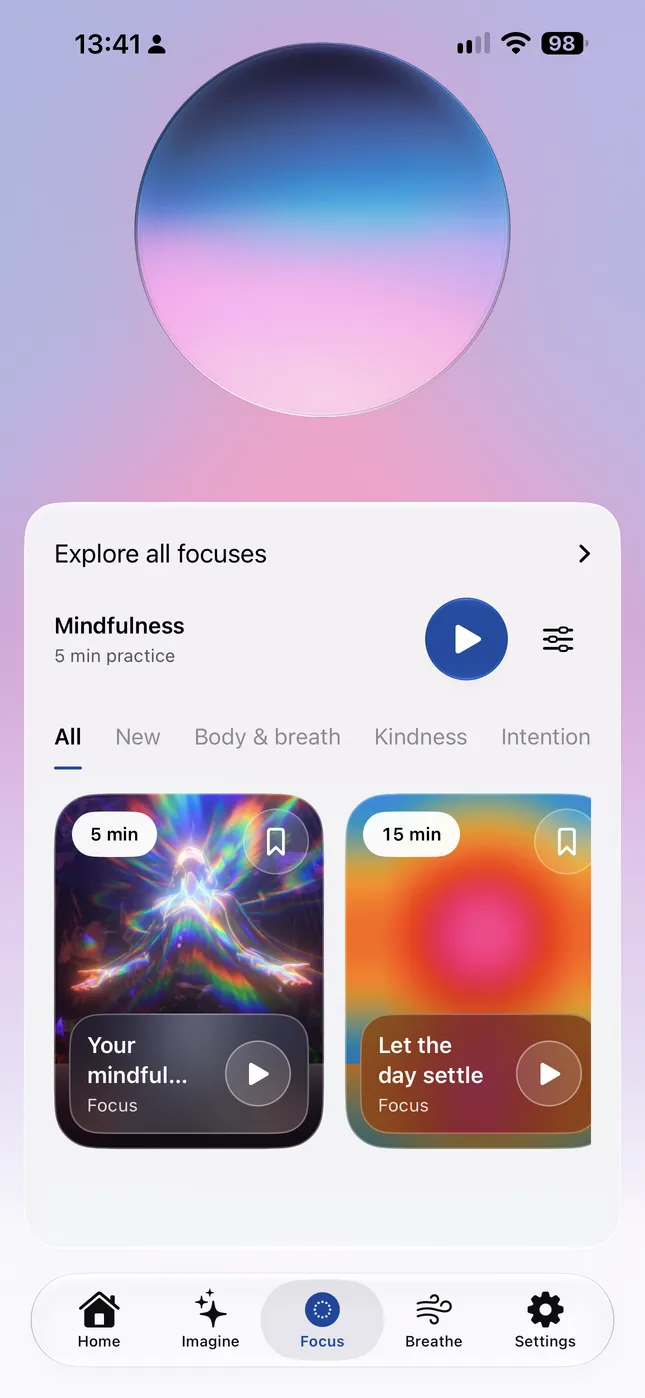
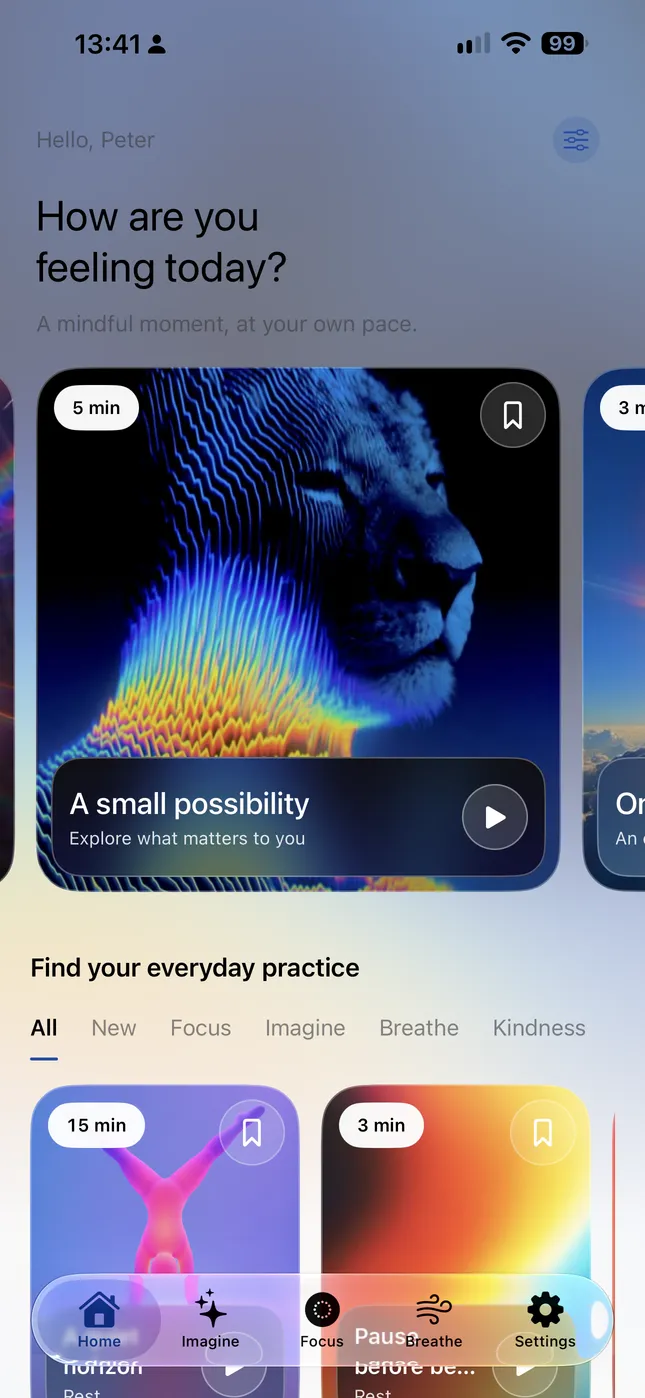
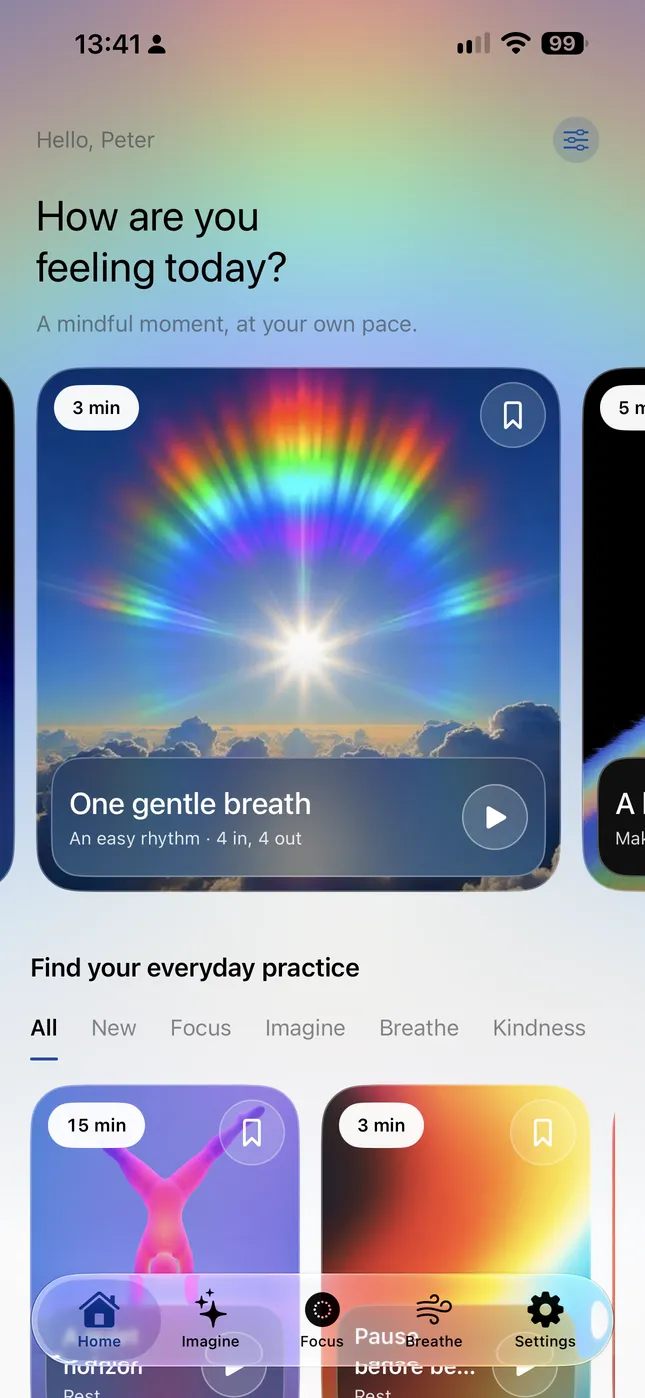
See Ultra Zen on iPhone · Select to view fullscreen
Find your everyday practice
A few minutes. Entirely yours.
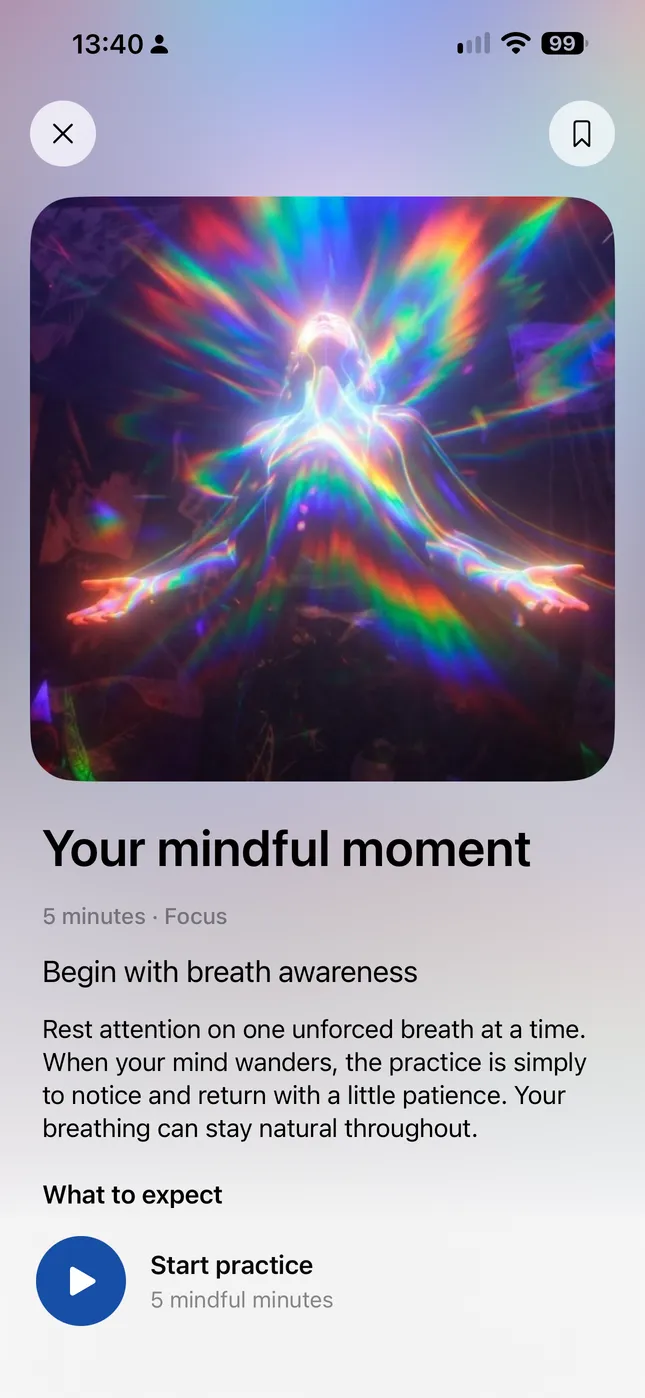
Some days, a little guidance helps. Other days, you want room to breathe. Browse practice cards, see what each one offers, and save a favourite to return to. Begin with three minutes or give yourself a longer pause. There is no perfect way to arrive.
Follow your breath, move slowly through a body scan, or practise goodwill for yourself and others. Explore open awareness, gratitude and mindful listening. An animated orb accompanies the practice, while spoken words light up as you listen.
02 / Imagine
Give possibility a little space.
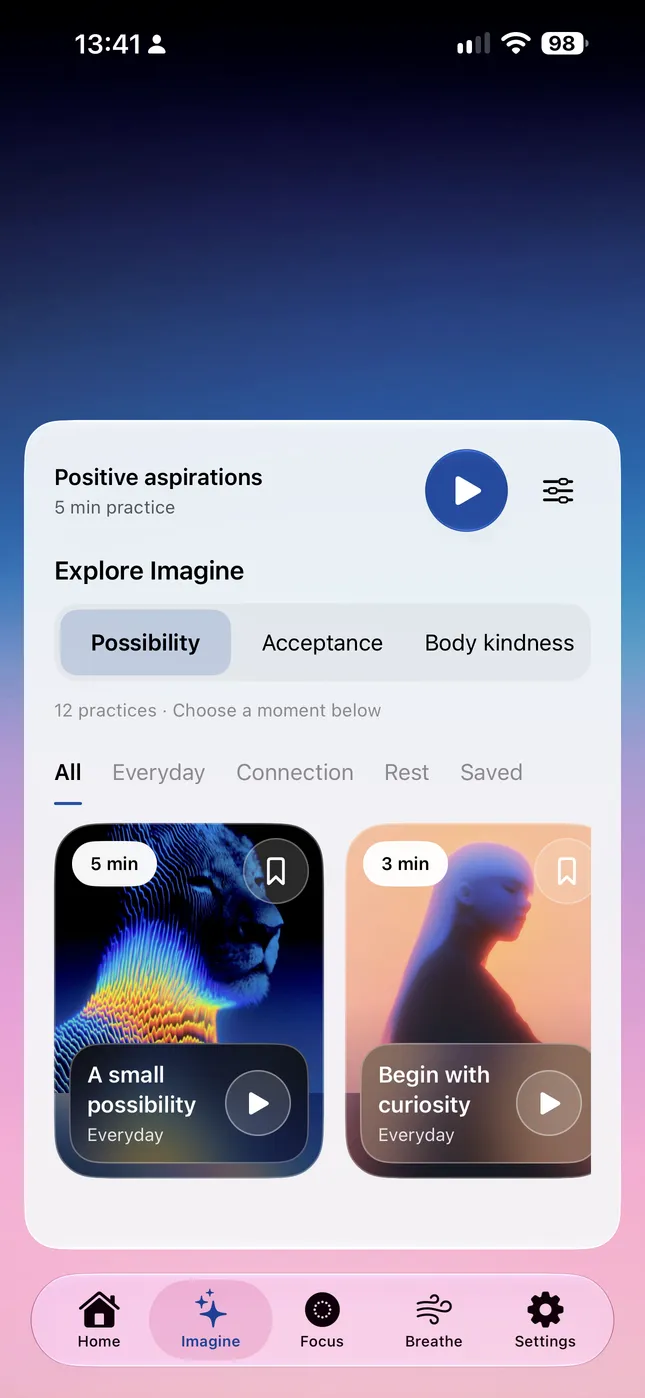
Let living colour fill the screen as gentle reflections invite curiosity, self acceptance and kindness towards your body. Explore Everyday, Connection and Rest collections. Follow the words, or simply stay with the colours.
03 / Breathe
One gentle breath.
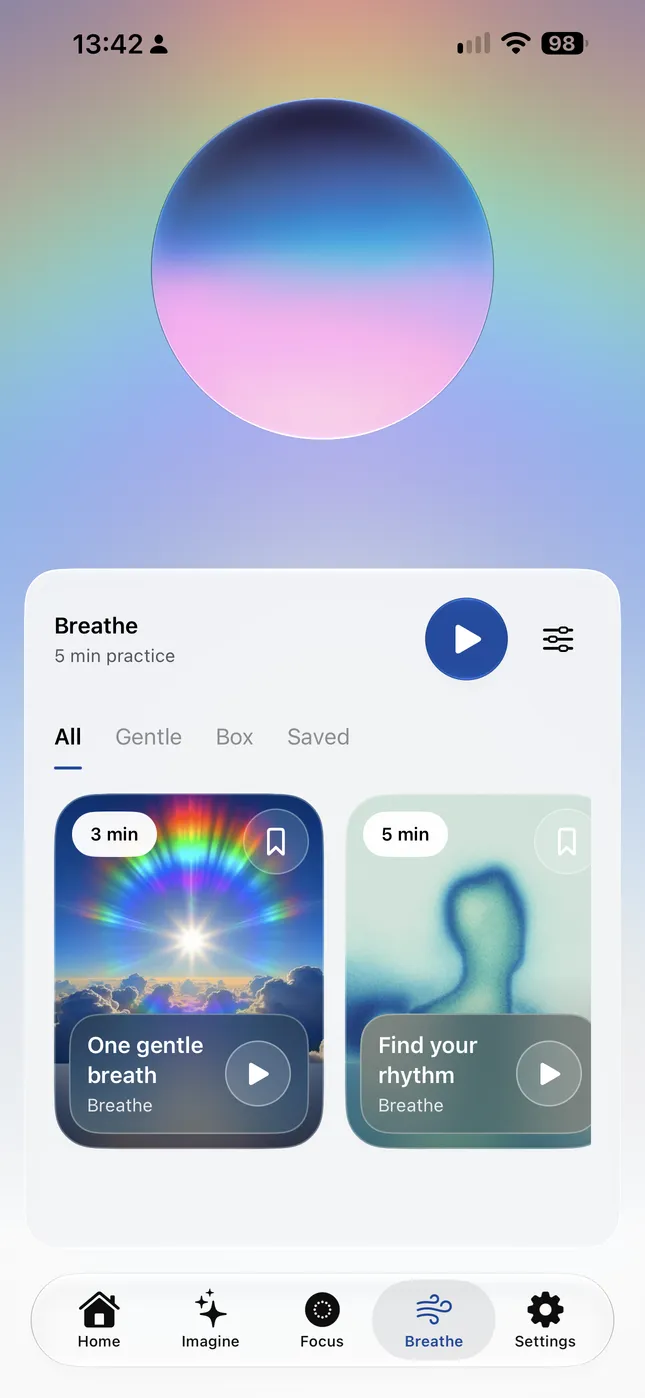
Follow the growing and shrinking circle through four seconds in and four seconds out. Or choose a box rhythm with optional holds and pauses. Spoken reminders are there when you want them. Return to your own comfortable rhythm whenever you wish.
A little colour for your pause
Your own kind of calm.
Seven colour moods. Slow transitions. An orb of living artwork, or a whole screen to get lost in. Choose a mood, let Cycle wander, or follow the time of day.
Scroll to explore. Select any screen to view fullscreen.
Make this practice your own
Meet yourself where you are.
A voice. A pace. A little space.
Choose Heart or Michael for spoken guidance, a target duration from three to thirty minutes, and the amount of guidance that feels right. Follow captions, add a nature soundscape, or keep the audio quiet. Save your favourite cards, add your first name for a personal welcome, and choose a light, dark or automatic appearance.
Notice the time you make.
See completed practices by week, month or year. Your practice history stays available without connecting Apple Health. With your permission on supported devices, Ultra Zen can also save practice time as Mindful Minutes in Apple Health.
Take a little space with you.
Follow breathing cues and gentle haptics on Apple Watch, listen to bundled guided recordings, or prepare a Focus or Imagine session on iPhone and send it to your Watch for offline playback.
Guidance, close at hand.
Spoken guidance is generated on your device from original authored practice text. Bundled artwork and audio keep the core practice experience available offline.
A few things to know
Begin gently.
Where should I begin?
Start with a card on Home. Open its preview to see what to expect, then begin when you are ready. You can also browse Focus, Imagine or Breathe directly.
How long are the practices?
Choose a target of 3, 5, 10, 15, 20, 25 or 30 minutes. Preparation, the opening sound and the closing sequence can add to your total time in the app.
Can I use Ultra Zen offline?
Core practices use bundled artwork, audio and on-device voice generation. Prepare and transfer custom Watch recordings from iPhone before listening to them offline on Watch.
Do I need Apple Health?
You can practise and keep local completion history without it. Health integration is optional and requires permission on supported devices.
Can I pause or finish early?
Yes. Pause when you need to, or stop with a gentle audio fade. Completed-session history records finished practices.
Coming soon
Ultra Zen
A breath. A little colour. A moment that belongs to you.
Begin gently, pause when you need to, and return whenever it feels right.